Marknote 1.5.1
Last week we released version 1.5 of Marknote, a fast and free alternative to existing slow and pay-walled note-taking apps. Today we announce a release that fixes some issues and improves a few things across the app.
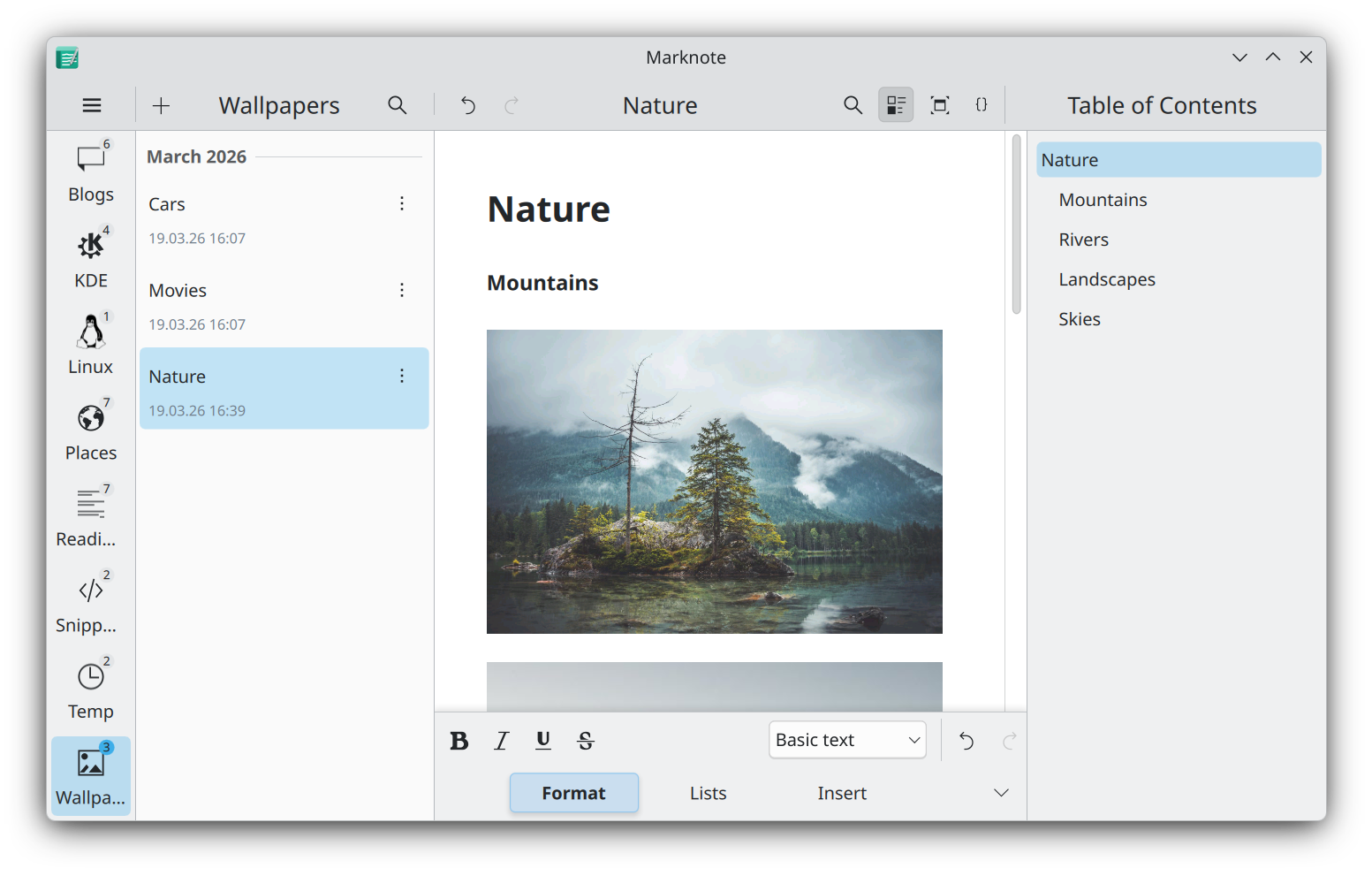
So here is a list of the most notable changes and improvements:
- Pasting text in Source mode no longer clears document content.
- Pasting images from clipboard works really well too.
- Find and replace text shortcuts are brought back.
- Note names are now properly elided.
- Markdown syntax highlighter is added to the Source mode.
- Code blocks now have their own background.
- Items in the Table of Contents will follow active paragraphs.
- Edit button is shown in compact mode (for when the format bar is hidden).
- Fullscreen mode is brought back for those who need full immersion (Ctrl+Shift+F on Linux or Alt+Enter on Windows).
- The KRunner plugin now works pretty well inside Flatpak.
- Single note loading is much faster now.
- We optimized image loading and reduced video memory usage by almost 50%.
The future is bright
To address some of the questions since the last release:
- Yes, code blocks will have proper highlighting in upcoming versions (please keep in mind that we don't have the staff of a large enterprise company, and we probably don't need one either ;)).
- Yes again, quotes and some embedded content types are planned to be added too.
- Yes once more, cross-platform support is set to be improved. We will release stable versions for all the major platforms once they get through proper testing.
- And one more thing: the all-new and shiny block editor is a work in progress, and it will be done when it's done™.
Thank you all
Thanks to everyone for making Marknote your software of choice. We will make sure to keep Marknote up and running at lightning speed for everyone. As always, you can get the latest version of the app via Flatpak, Snapcraft or your favorite package manager. Stay tuned!