This Week in KDE Apps
New features in NeoChat, new releases of Kaidan and Calligra Plan
Welcome to a new issue of "This Week in KDE Apps"! Every week (or so) we cover as much as possible of what's happening in the world of KDE apps.
With January well under way, the news regarding KDE apps is coming thick and fast. Let's dig in!
PIM Applications
Kleopatra Certificate manager and cryptography app
Tobias Fella added an option for remembering the signing/encryption configuration from the last operation (26.04.0 - pim/kleopatra MR #427).
Merkuro Mail Read and write emails
Florian Richer fixed some issues with the identity configuration dialog (26.04.0 - pim/kidentitymanagement MR #40).
Office Applications
Plan Project Management
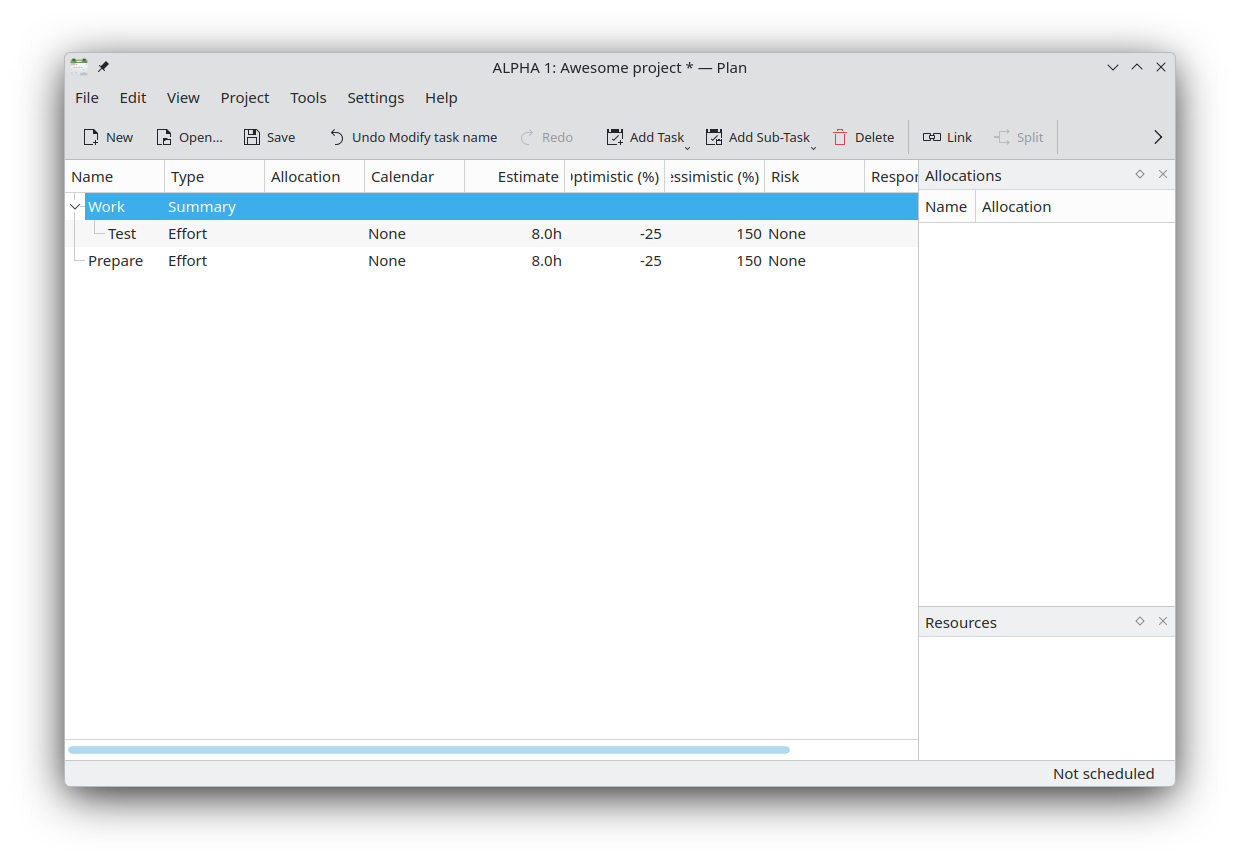
Mickael Sergent released Calligra Plan 4.0.0 — the first version of Calligra Plan built with Qt 6! Also thanks to all packagers who fixed and modernized some of the CMake code after the release.
Marknote Write down your thoughts
Siddharth Chopra fixed the the font selection dialog (1.4.0 - office/marknote MR #82).
Creative Applications
Drawy Your handy, infinite brainstorming tool
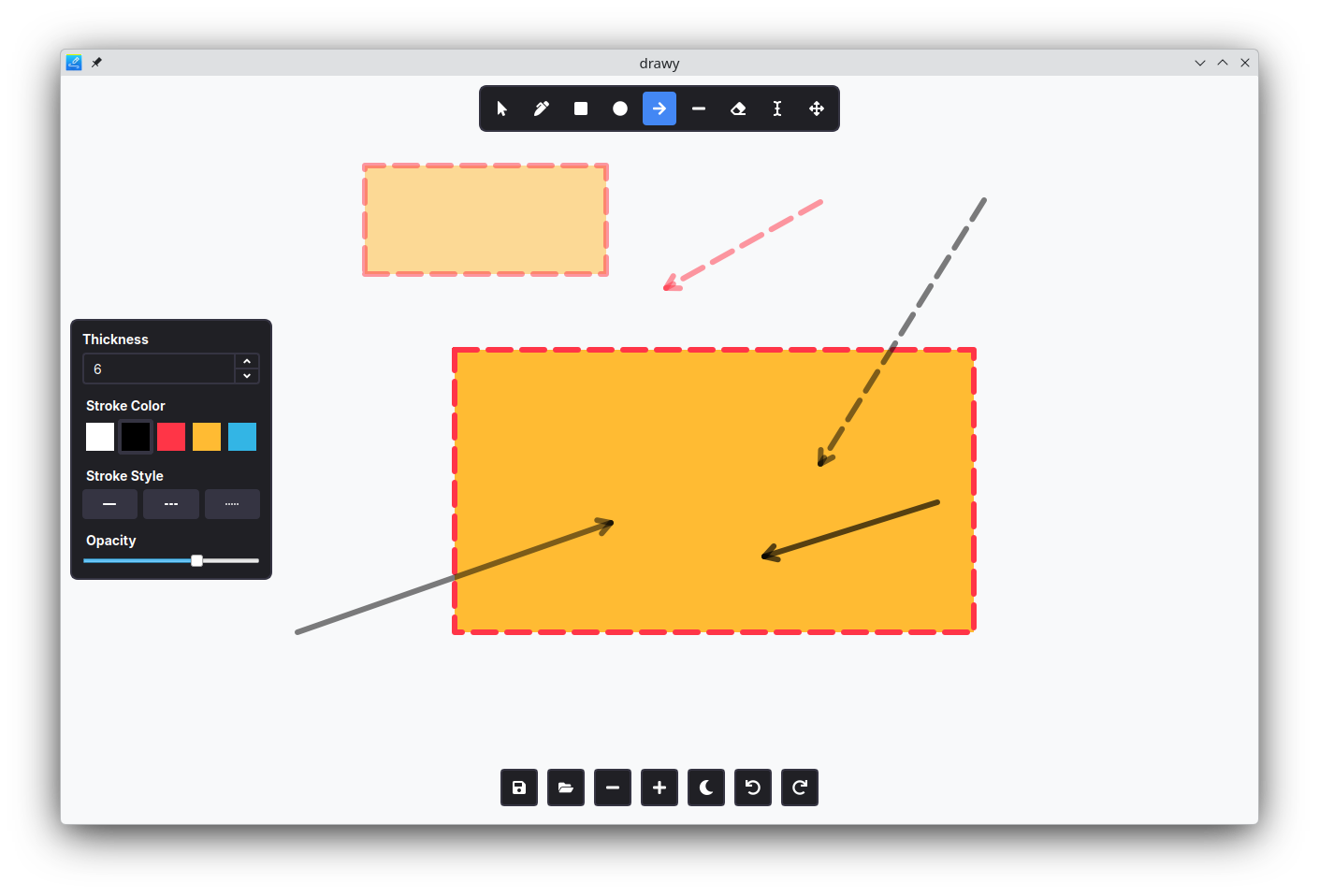
Laurent Montel added support for drawing filled rectangles (graphics/drawy MR #216) and arrows (graphics/drawy MR #199), as well as changing the opacity of elements (graphics/drawy MR #205).
Kdenlive Video editor
Abdias J Moya Perez implemented a fixed centered playhead mode for the timeline. When enabled, the playhead remains locked at the center of the timeline view while the timeline content scrolls smoothly beneath it during playback, scrubbing, and seeking (multimedia/kdenlive MR #785).
Multimedia Applications
Photos Image Gallery
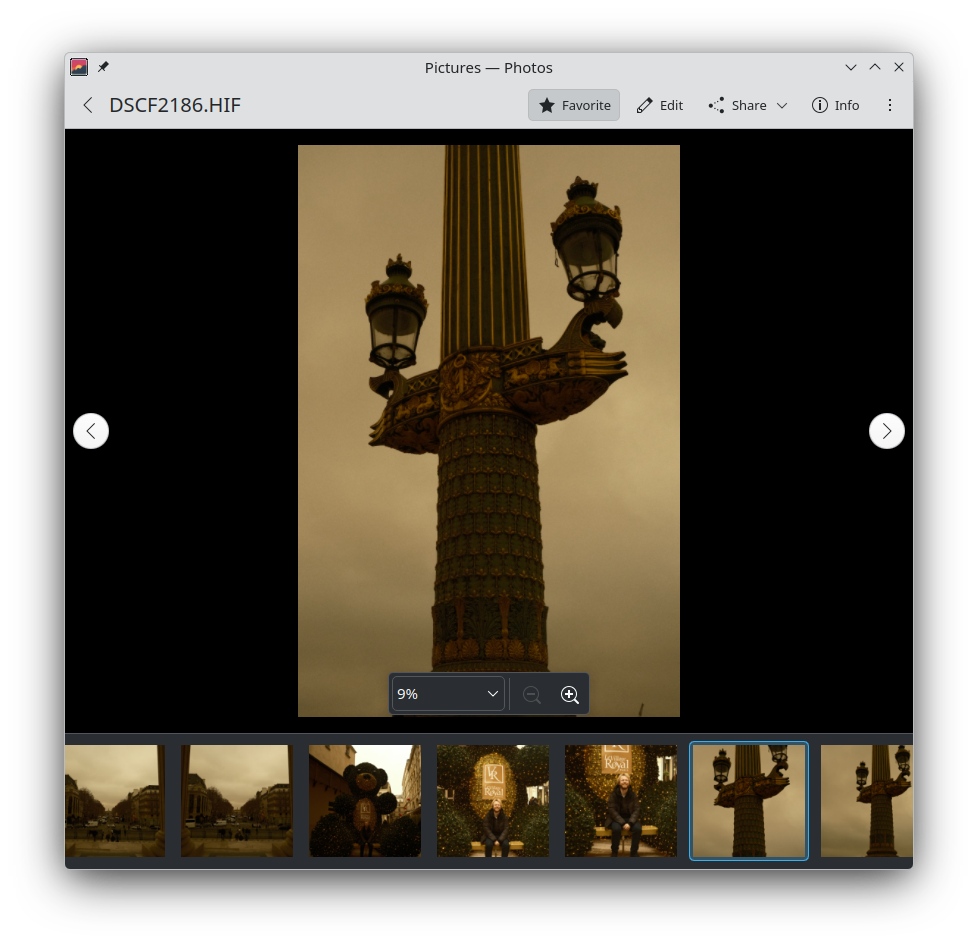
Noah Davis added a floating zoom bar (26.04.0 - graphics/koko MR #253).
Elisa Play local music and listen to online radio
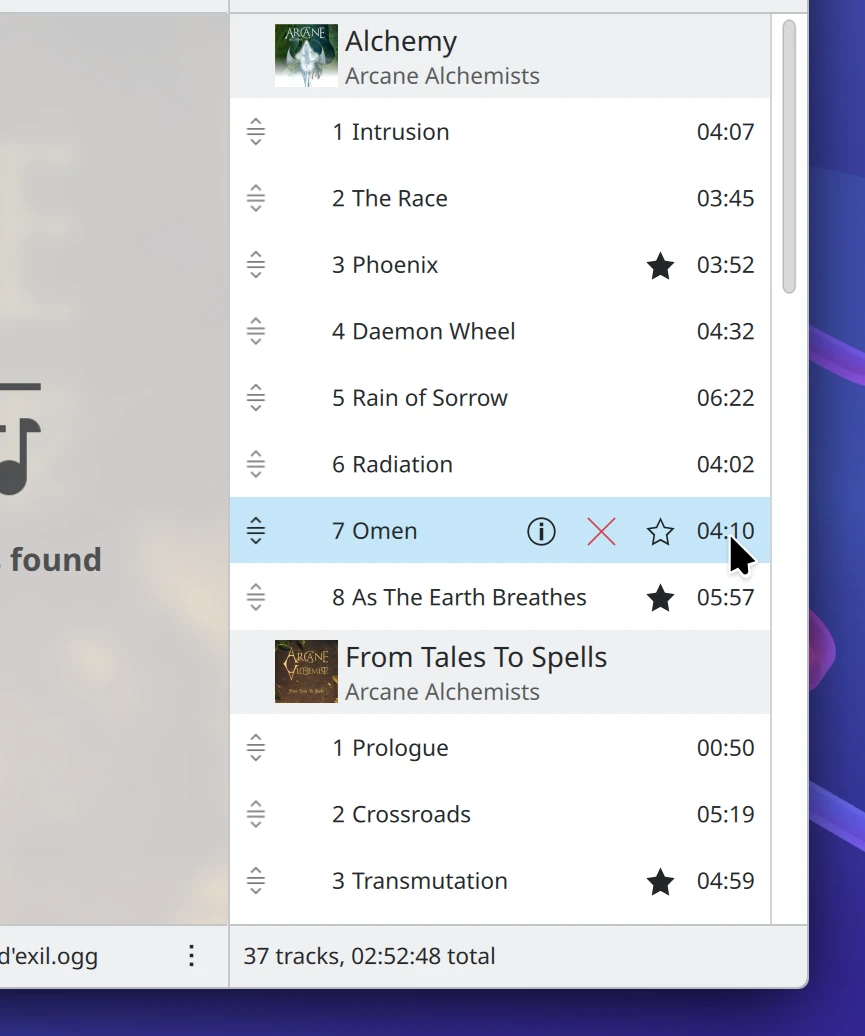
Nate Graham removed two unnecessary buttons that appeared when hovering over songs in the playlist (26.04.0 - multimedia/elisa MR #737).
Utilities Applications
Kate Advanced text editor
Sahil Verma added support for importing user templates from local folders, which can then be used to generate files from specific templates (26.04.0 - utilities/kate MR #1969).
Network Applications
NeoChat Chat on Matrix
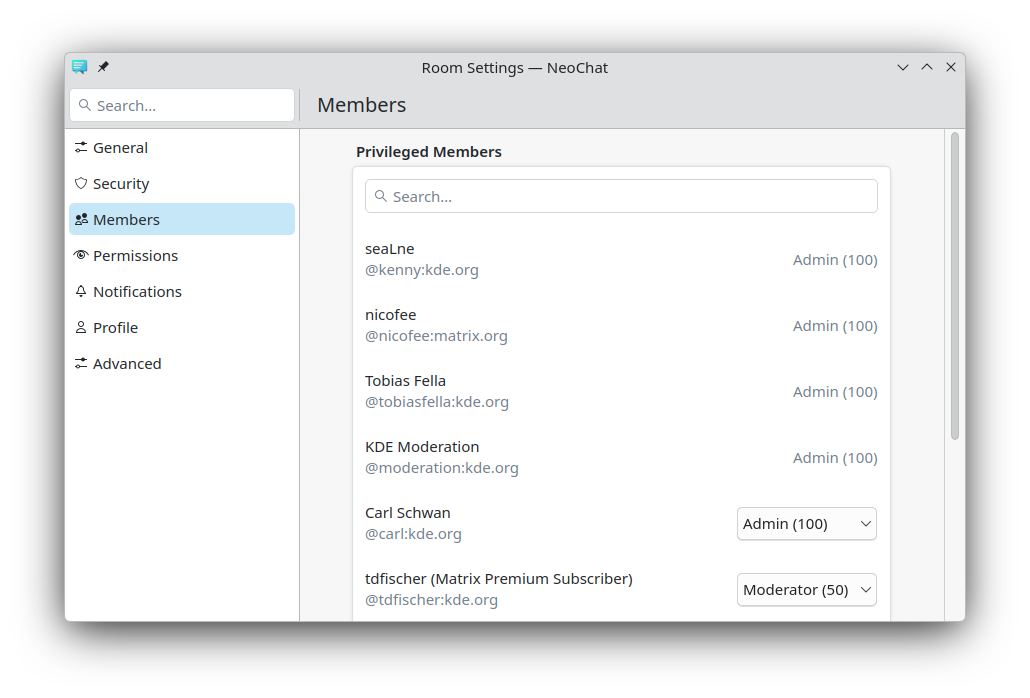
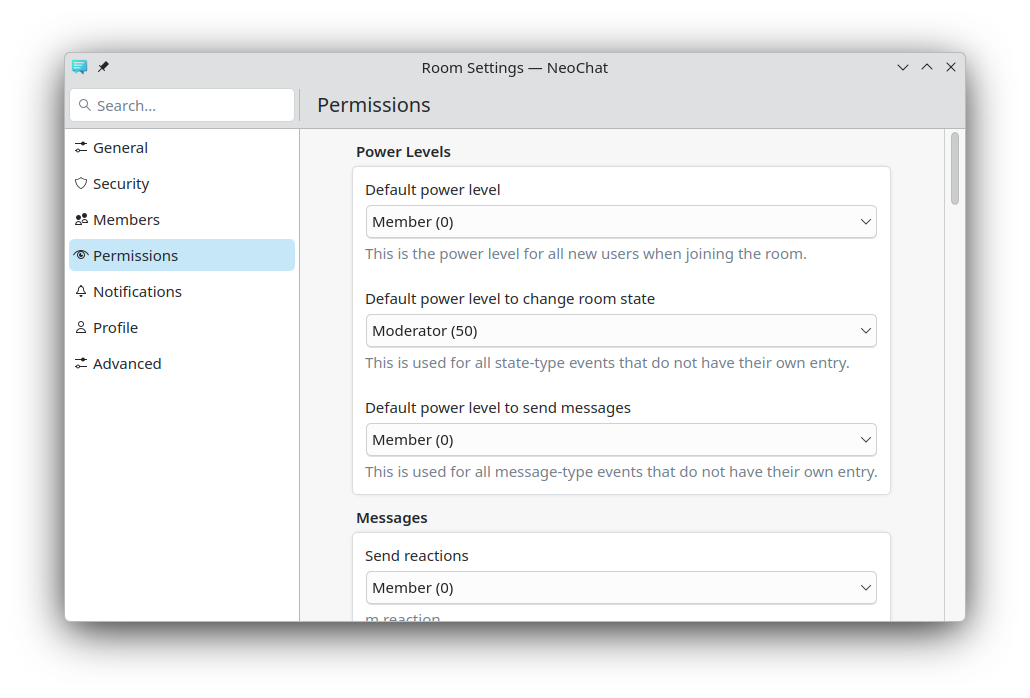
Joshua Goins split up the Permissions settings for rooms, because the members list (with lots of moderators) tended to dominate the page. He also moved the search bar for members to the top, and re-organized various permissions into more suitable groups.
 |  |
|---|
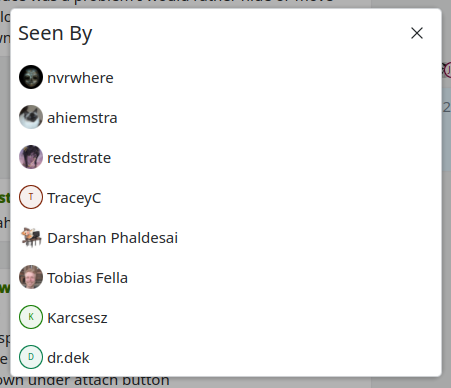
Joshua also added a "Seen By" dialog to allow you to view the read markers in something that isn't extremely small!
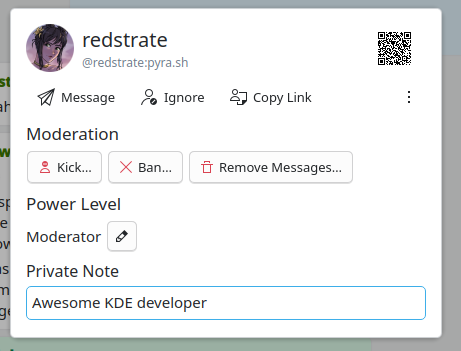
Another new and useful feature introduced by Joshua is private notes. Someone has a confusing username and you can't remember who they are? Need to jot down their birthday or keep track of the bad jokes they keep telling you? 😛 Since this isn't standardized between clients, it's only available in NeoChat. But on the flipside, it will sync between NeoChat on different computers.
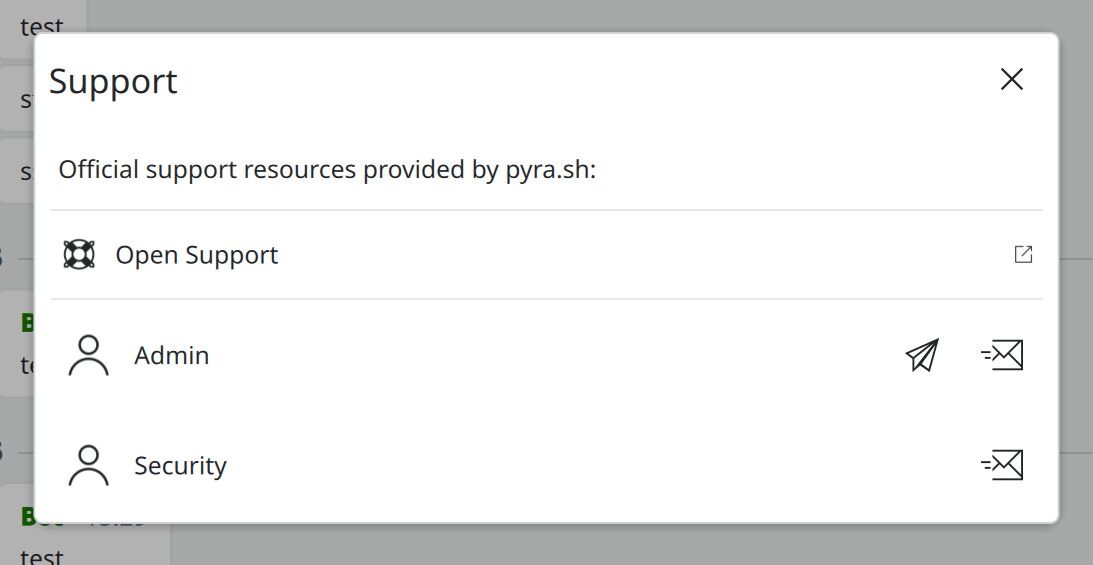
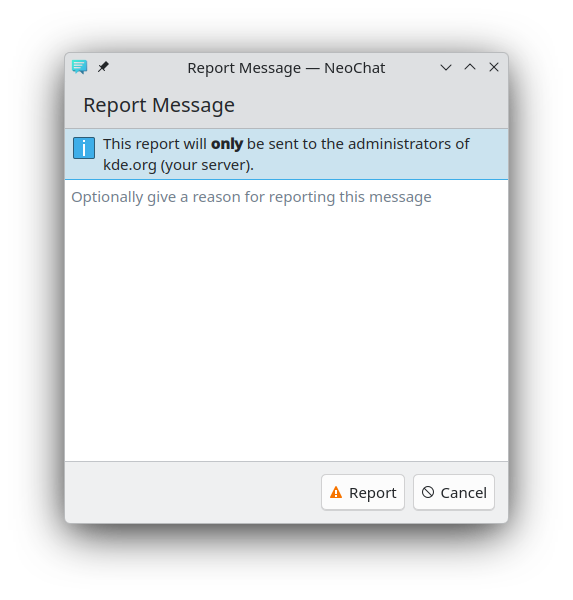
And regarding safety-related changes, there were a few small additions too. Joshua added a new helpful dialog where you can view your server's support information in-app if available. It also wasn't clear where reports are sent to, which has caused confusion.
 |  |
|---|
Finally, Joshua also fixed a lot of small bugs all over the place. You can read his Mastodon thread to learn more!
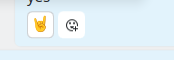
Darshan Phaldesai made some nice visual changes to the reaction buttons: now they use rounded rectangles instead of circles, and their text is more legible.
Kaidan Modern chat app for every device
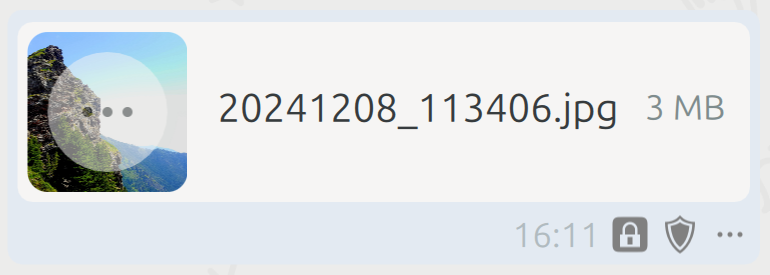
The Kaidan team released Kaidan 0.14.0. This release introduces advanced media sharing, filtering of XMPP providers when creating an account, support for XMPP URIs, and more.
You can see more details at the announcement post.
Additionally, Melvin Keskin added support for audio/video calls (network/kaidan MR #1472).
KDE Connect Seamless connection of your devices
Stephan Seitz made sure that the sample commands provided by KDE Connect for the "Run Commands" plugin are OS-specific (26.04.0 - network/kdeconnect-kde MR #897).
Educational Applications
RKWard KDE frontend to the R statistics language
Thomas Friedrichsmeier made some progress in adding support for Quarto files (education/rkward MR #73).
Minuet Music education software
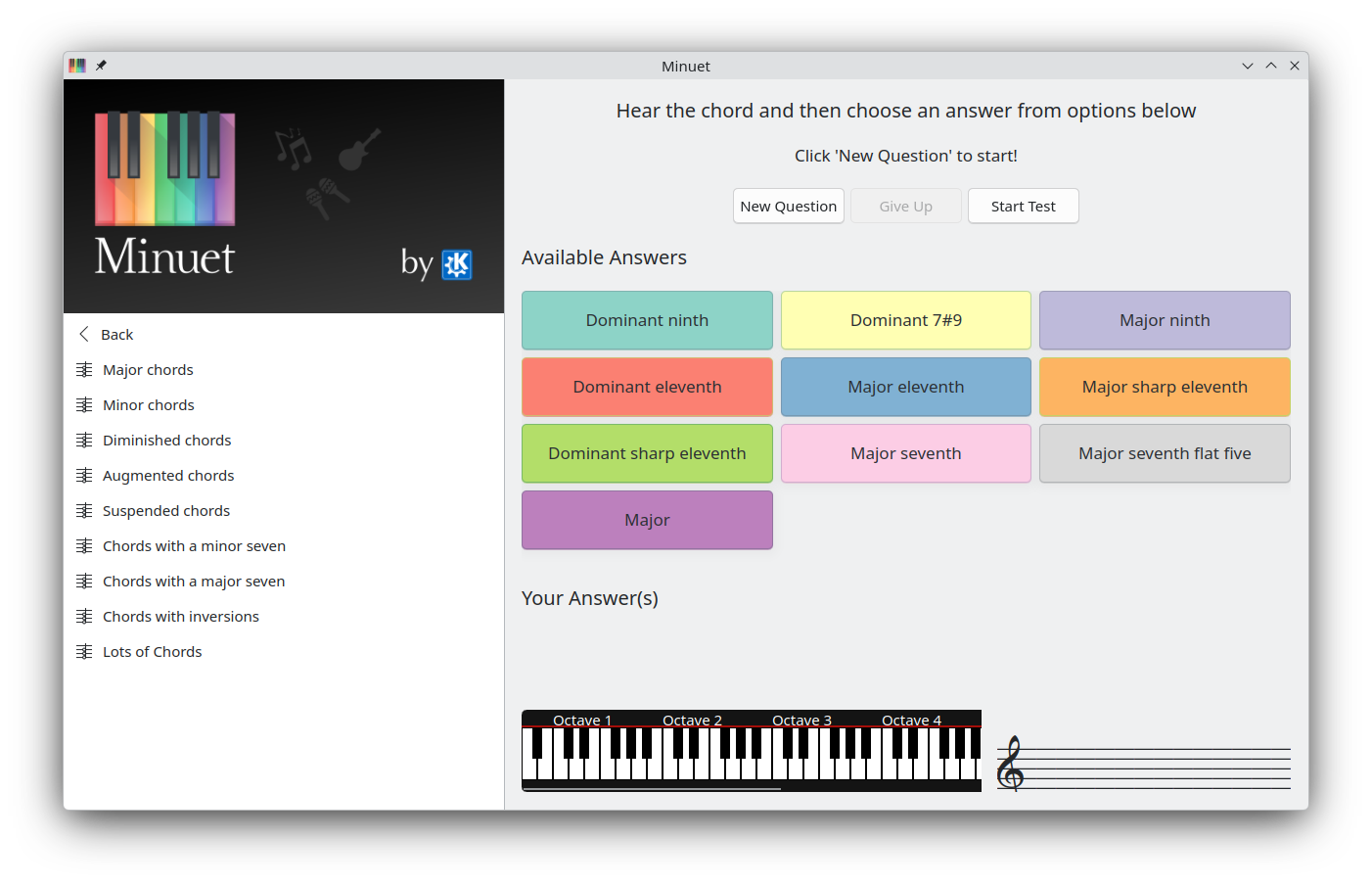
Sandro Andrade ported Minuet to Kirigami (26.04.0 - education/minuet MR #54).
System Applications
Dolphin Manage your files
Thanks to Akseli Lahtinen, binary files and scripts are now executable from the context menu (KDE Frameworks 6.23 – frameworks/kio MR #2113).
xi ota has added the option to always show the tab bar (24.04.0 – system/dolphin MR #1152).
External Applications
Kraft Quotes and invoices for small business
Klaas Freitag presented version 2.0 of Kraft this week. Kraft is a business tool that helps you keep track of payments as well as creating quotes, invoices, and other business-related documents.
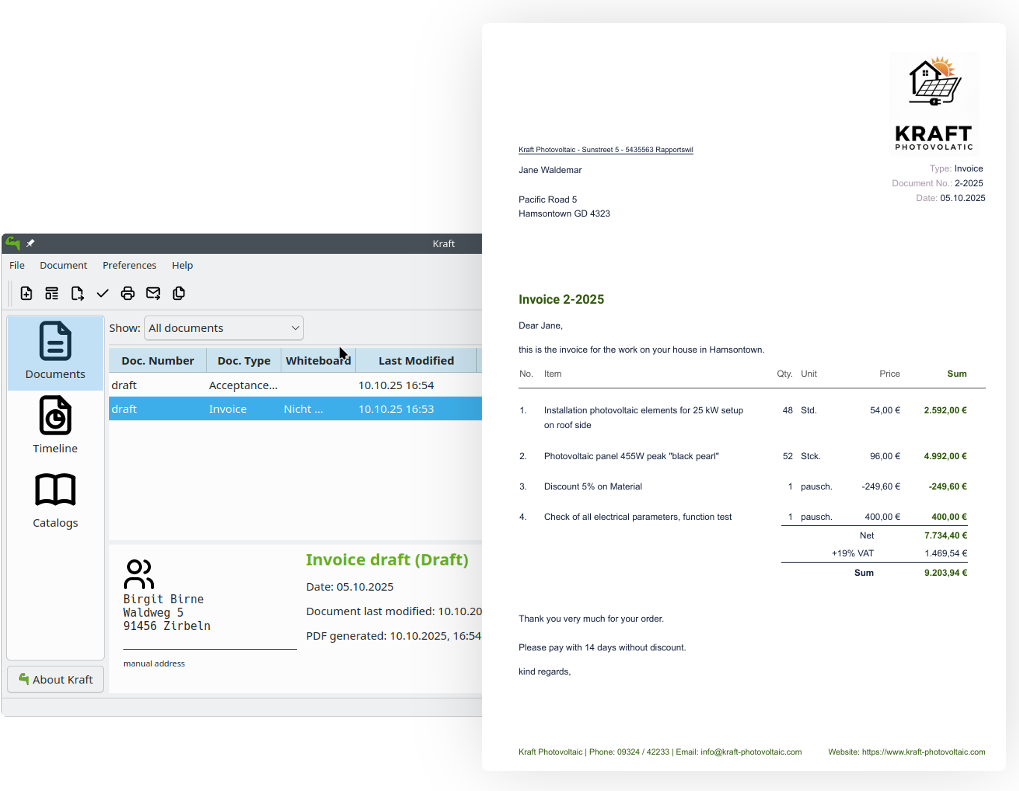
Version 2.0 is easier to install, implements a legal document life cycle from draft to finalized, comes with better PDF output, makes it easier to migrate from your earlier versions, and continues to protect your privacy as it integrates well with your own Nextcloud or OpenCloud instances.
Games
Manuel Alcaraz Zambrano added a bye editor to Chessament (games/chessament MR #39). What's a "bye editor"? Learn about Bye on this Wikipedia page.
…And Everything Else
This blog only covers the tip of the iceberg! If you’re hungry for more, check out This Week in Plasma, which covers all the work being put into KDE's Plasma desktop environment every Saturday.
For a complete overview of what's going on, visit KDE's Planet, where you can find all KDE news unfiltered directly from our contributors.
Get Involved
The KDE organization has become important in the world, and your time and contributions have helped us get there. As we grow, we're going to need your support for KDE to become sustainable.
You can help KDE by becoming an active community member and getting involved. Each contributor makes a huge difference in KDE — you are not a number or a cog in a machine! You don’t have to be a programmer either. There are many things you can do: you can help hunt and confirm bugs, even maybe solve them; contribute designs for wallpapers, web pages, icons and app interfaces; translate messages and menu items into your own language; promote KDE in your local community; and a ton more things.
You can also help us by donating. Any monetary contribution, however small, will help us cover operational costs, salaries, travel expenses for contributors and in general just keep KDE bringing Free Software to the world.
To get your application mentioned here, please ping us in invent or in Matrix.